Online birthday cafe, coming soon
A birthday cafe, open on every phone.
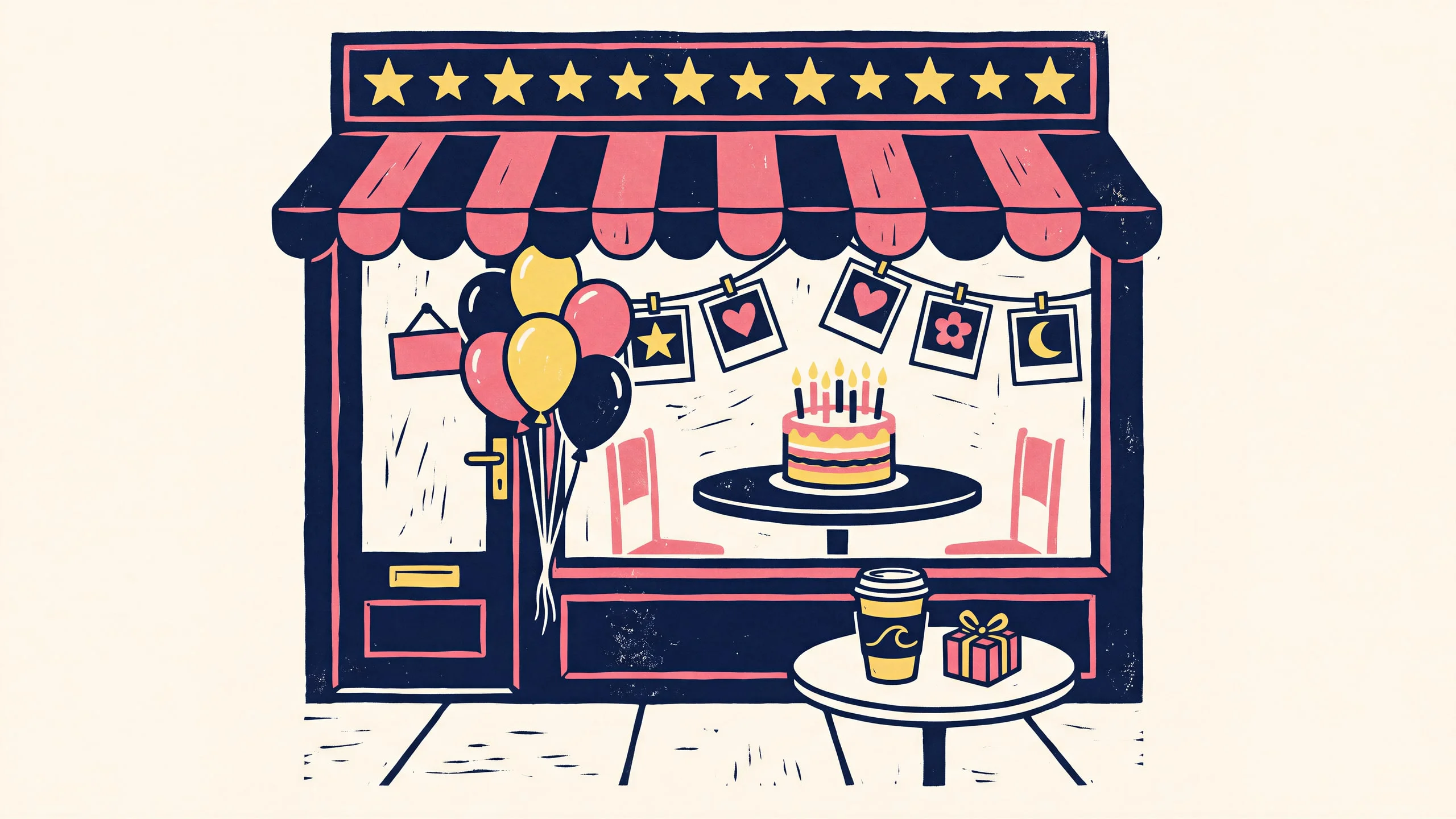
Saengka turns a fan-made birthday cafe into a small pixel cafe you can visit from your phone. Organizers decorate their own cafe and share it with one link. Fans walk in, order a virtual coffee and take a picture at the photo booth.
Coming soon
Saengka is in development. A closed beta comes first, and the release date is not set yet.
- Status
- In development
- For
- Fans and cafe organizers
- Runs on
- Phone web browser
- Photos
- Processed on your device
Not every fan can make it to the cafe.
Fans open birthday cafes for the people they love, and many fans cannot get there in person. Saengka keeps the space open online: a cafe you can walk through at your own pace, from wherever you are. We build the space. The fan content stays with the fans.
Walk in
A pixel cafe you can walk around.
Tap or drag to move on a phone, or use the keyboard on a computer. Step from the shop front to the counter and into the room, and stop at the photo booth to save a picture of the screen.
OrderGet a virtual coffee at the counterPhoto boothStand in the booth and poseTake a photoSave the screen as an imageLeaveWalk out and visit the next cafe
Decorate
Your photos become pixel art.
Organizers decorate the cafe right on the game screen. A photo turns into pixel art for the screens around the cafe, and the accent lighting and furniture can be changed too. Photos are processed on the device and are not uploaded for the conversion.
Shop frontThe first thing visitors seeCounterWhere the coffee is orderedBig wallThe main wall insideWindowThe view from the street
Share
One link opens the doors.
When the cafe is ready, the organizer turns on publishing and copies the link. Anyone with the link walks straight in, no invite code needed.
Sign inOpen the studioDecoratePhotos, lighting and furniturePublishTurn the cafe onShareCopy the link and send it
What else we are building.
Some of it works in the prototype. The rest is planned.
Guide characters
Small characters walk around the cafe and introduce it in speech bubbles.
Furniture placement
A placement editor lets organizers arrange the room.
Guestbook wall (planned)
Visitors will leave cup sleeves, stickers and sticky notes on a shared wall.
Stamp card (planned)
Visitors will collect a stamp in each corner of the cafe.
Sign in only to write (planned)
Looking around needs no account. Signing in is asked only when you write.
Made for phones first.
Designed for portrait phone screens, and it opens on a computer too.
- iPhone Safari
- Android Chrome
- Desktop Chrome
Where it stands
- Not released yet. A closed beta comes first.
- Coffee and coupons inside the cafe are virtual. There are no real payments.
- Photos used for decorating are converted on your device.
- Saengka provides the space only. The fan content belongs to the fans.
- Features and the name may still change before release.
Opening soon.
We will share it here first. Meanwhile, take a look at the other tools from singandmong.